Online virtual try-on
How to try on clothes online from a photo
Learn how to combine a person photo and a garment reference for a useful online virtual try-on preview.
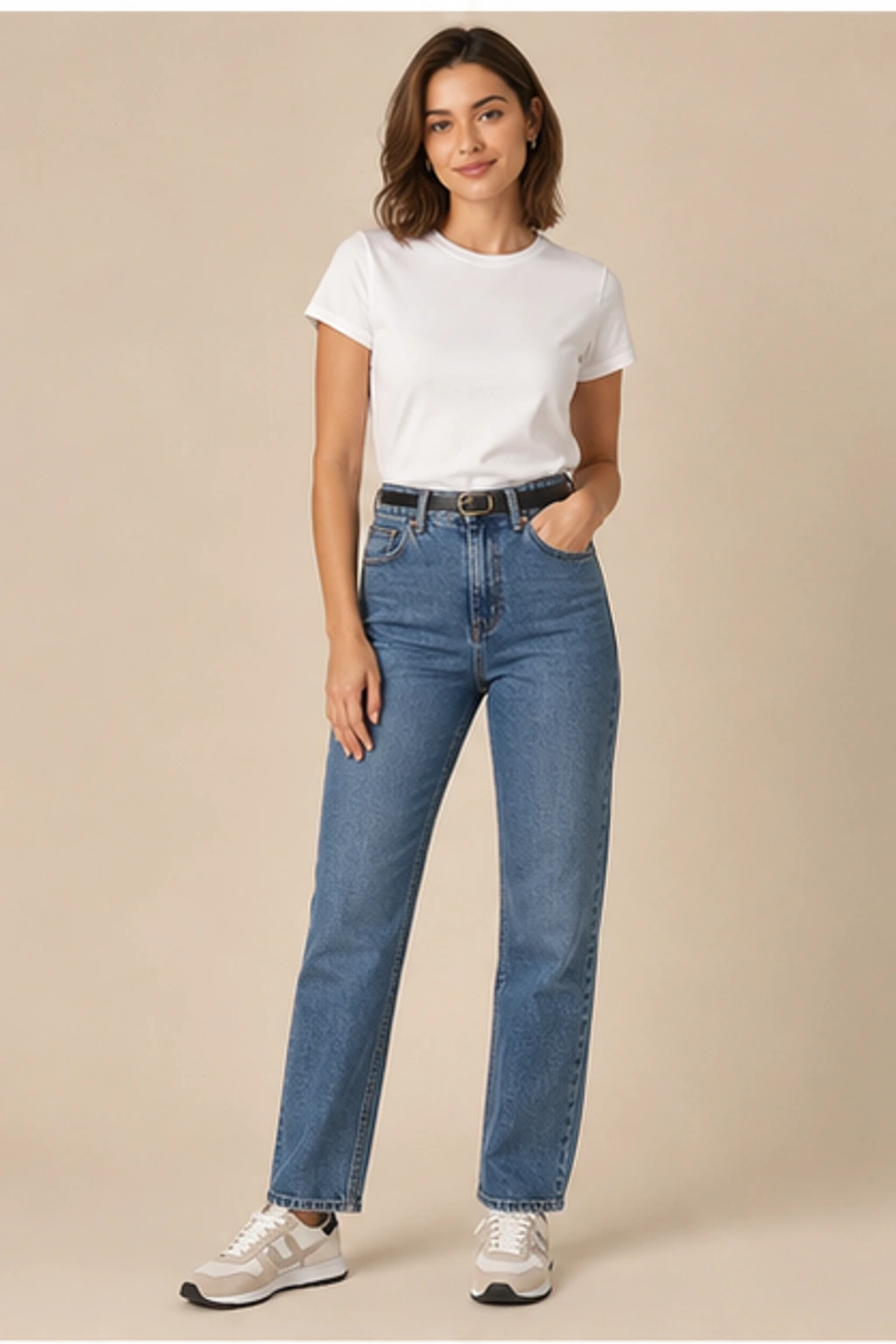
Quick answer
Use a well-lit photo where your pose and body outline are visible, pair it with one clear garment image, and treat the generated image as a style preview rather than an exact size or fabric simulation.
Pick the right two images
Your person photo establishes identity, pose, and composition. The garment image establishes the new outfit direction. Use one dominant subject in each image so the relationship is easy to interpret.
- Person: clear face and visible torso or full body
- Garment: one outfit with a readable silhouette
- Avoid collages, tiny screenshots, and obstructed clothing
Create the virtual try-on
Upload the person photo, choose or upload the clothing, and generate. Keep optional instructions short and visual, such as asking for a polished catalog look or a natural everyday result.
Use the preview for the right decision
Compare color, overall silhouette, styling direction, and how the outfit works with the photo. Do not use the image to infer exact tightness, measurements, fabric weight, or comfort.
Match the crop to the shopping question
Choose framing based on the item you are evaluating. A chest-up photo is enough for a collar or jacket, while trousers, dresses, and coordinated sets need the legs and hem in frame. If the source photo omits an area, the preview has to invent it.
Compare several candidates fairly
When comparing outfits, keep the same person photo, crop, and generation settings. Change only the garment reference. This makes differences easier to attribute to the clothing rather than to a new pose or background.
Verify before buying or publishing
Use the preview to shortlist colors and silhouettes, then return to the retailer for real measurements, fabric composition, closure details, and customer photos. Generated imagery can be useful for imagination, but it should never silently replace factual product information.
Build a useful shortlist instead of chasing one perfect image
Begin with three to five meaningfully different options: color, length, silhouette, or level of formality. Eliminate directions that clearly do not fit the occasion or your preference, then spend additional generations only on the strongest candidates. This produces a better decision than making tiny variations of the first outfit.
Keep shopping evidence beside the preview
Save the product URL, listed measurements, material, price, and return conditions with the generated preview. A visually convincing result can otherwise become disconnected from the actual item. When you revisit the shortlist, you should be able to compare both appearance and real purchasing constraints.
Online try-on checklist
- Person and garment images are both high resolution
- The photo crop includes the full target garment area
- Only one outfit is dominant in the reference
- Lighting does not hide the body outline
- Comparisons reuse the same person photo
- Final purchase uses the seller's size information
Choose the right source for each garment
| Garment | Recommended person photo | Recommended garment reference |
|---|---|---|
| Top or jacket | Waist-up or three-quarter portrait | Front product image or clearly worn jacket |
| Dress | Full-body photo with visible legs and hem area | Complete dress silhouette, not folded |
| Trousers or skirt | Waist-to-feet visible | Front view with waistband and hem visible |
| Layered outfit | Full body with arms away from torso | One complete styled outfit with minimal obstruction |
Common questions
Can I try clothing from a shopping screenshot?
Often yes, but a clean product image with one clearly visible outfit is more reliable than a crowded page screenshot.
Is the result an exact fitting-room simulation?
No. It is a generated visual preview and may reinterpret construction, texture, or body contours.
Can a virtual try-on confirm whether an item will be comfortable?
No. Comfort depends on construction, material, measurements, movement, and personal preference.
Should I compare results made from different selfies?
For a fair comparison, keep the same source photo and change only the outfit.
Can I rely on the displayed fabric texture?
Treat texture as approximate. Fine knits, lace, shine, and transparent layers may be reinterpreted.
Ready to try a look?
Choose an outfit, upload one clear photo, and create your own Dressora virtual try-on.